

Find a topic
Quickstart
Get a team, an integration, and your first incident running in under 15 minutes.
Find your integration
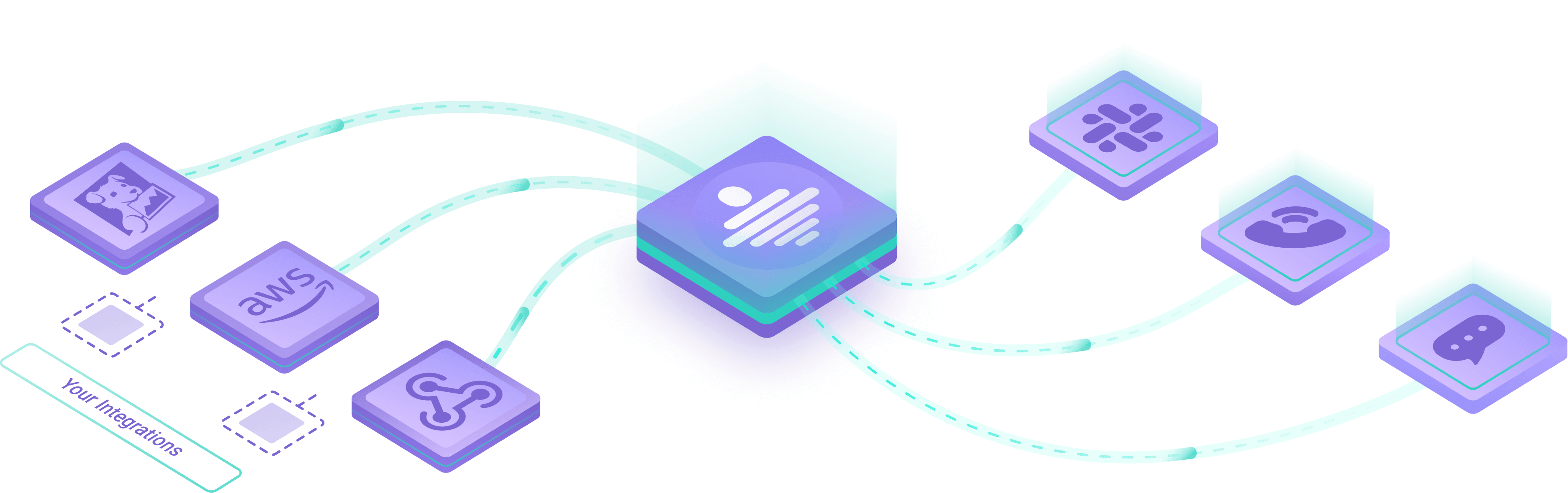
Browse inbound and outbound guides for Datadog, Slack, Grafana, and more.
Connect a monitoring tool
Create an inbound integration, map payloads, and control how alerts become incidents.
Your on-call dashboard
See if you are on-call, your next shifts, open incidents, and on-call time.
On-call & escalations
Set up schedules, rotations, and escalation policies for your team.
Work an incident
Filter, collaborate, and resolve incidents in the web app and mobile apps.
Notify your tools
Send incident updates to Slack, Microsoft Teams, Jira, and other outbound integrations.
Advanced incident routing
Route, mute, or act on incidents based on severity, attributes, and other conditions.
Status pages
Share service status and incident updates with customers on a public or private page.
Public API
Authenticate and manage All Quiet from pipelines, Terraform, or your own tools.
Troubleshooting
Common questions and where to look when something does not match what you expect.